Setup guide
Get notified the moment a new item hits the map
And support the project ❤️
1
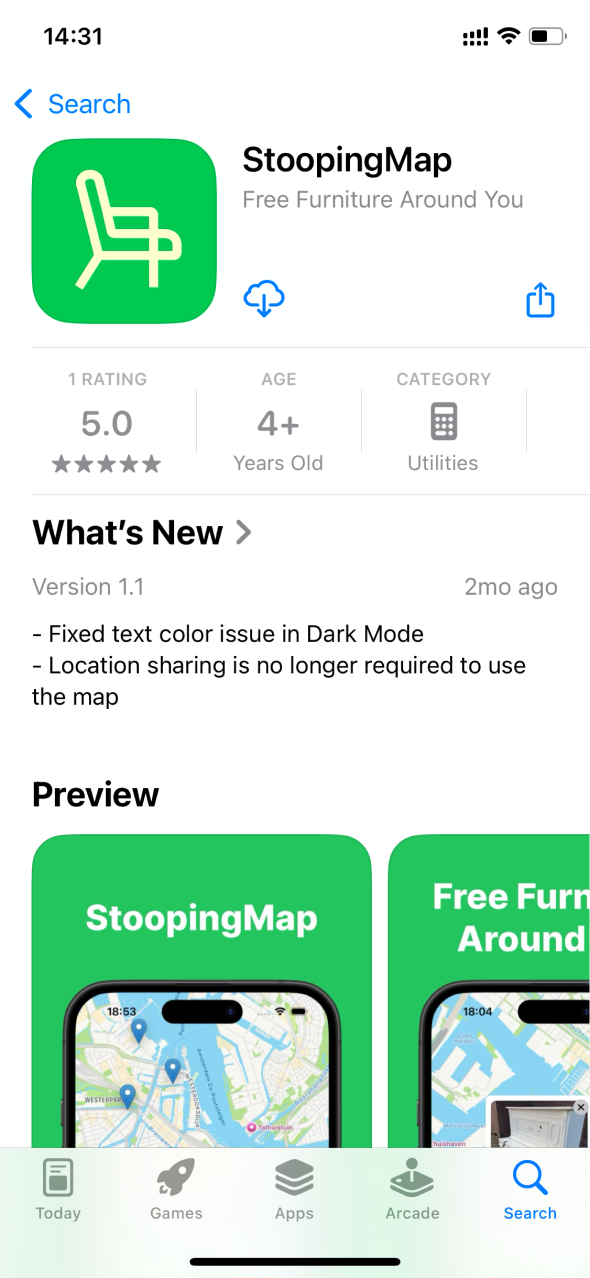
Install or update the StoopingMap app
- Or Search for StoopingMap in the App Store

2
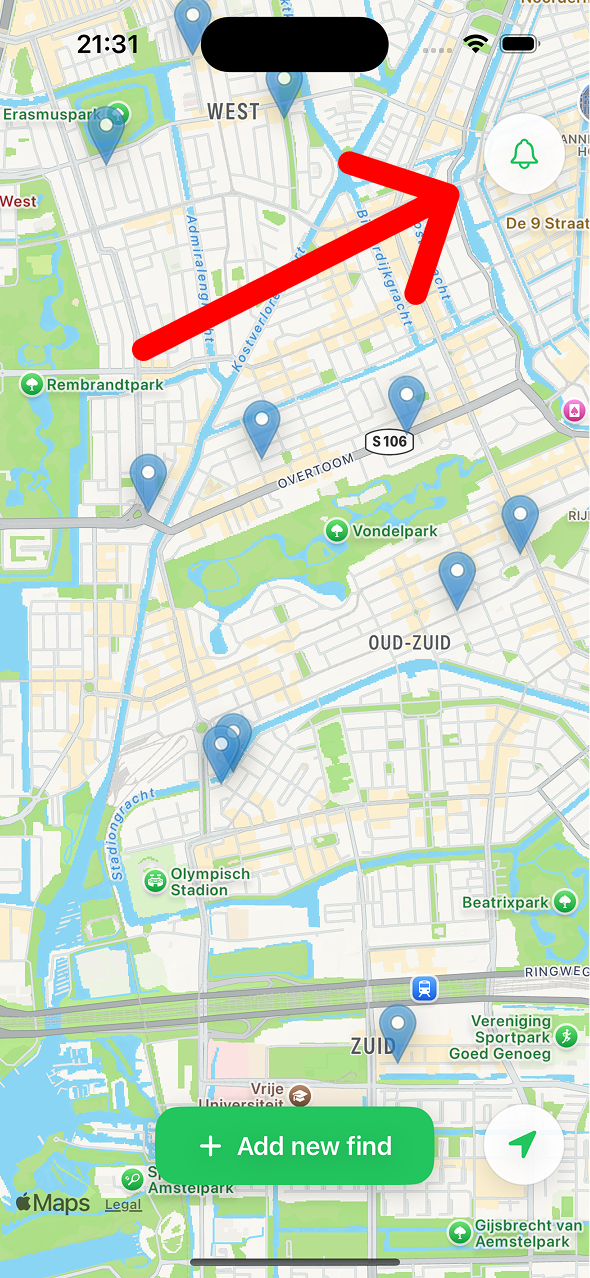
Tap the bell icon on the main screen
3
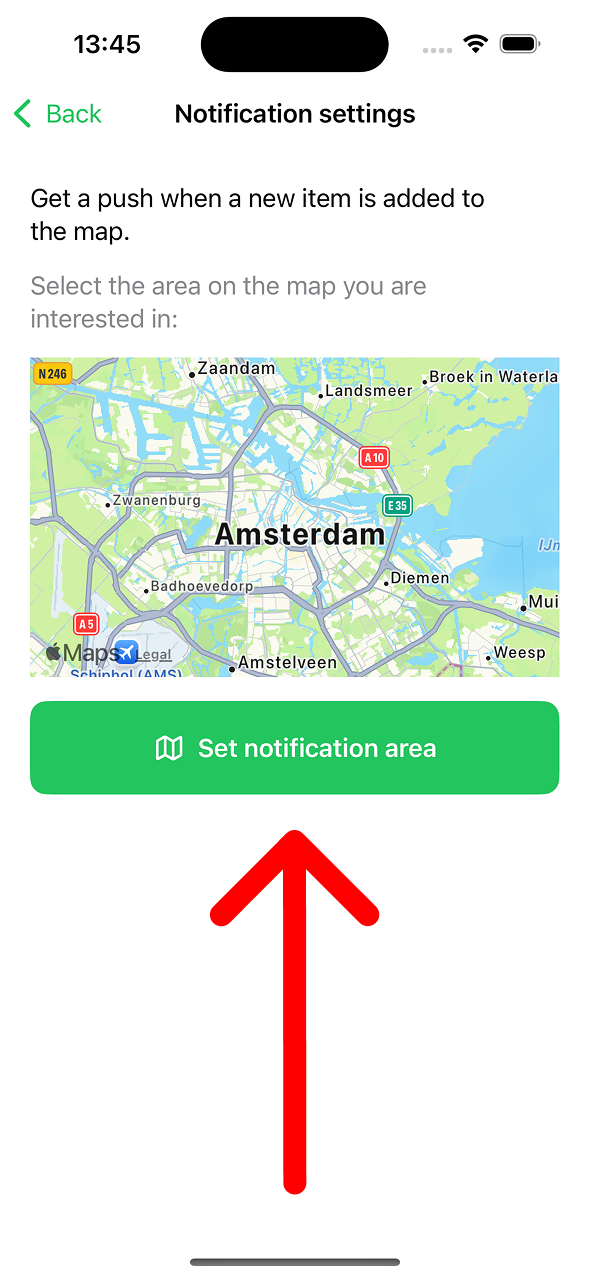
Set the area
- Allow to send push notifications
- Tap on the map or on the button to set the area
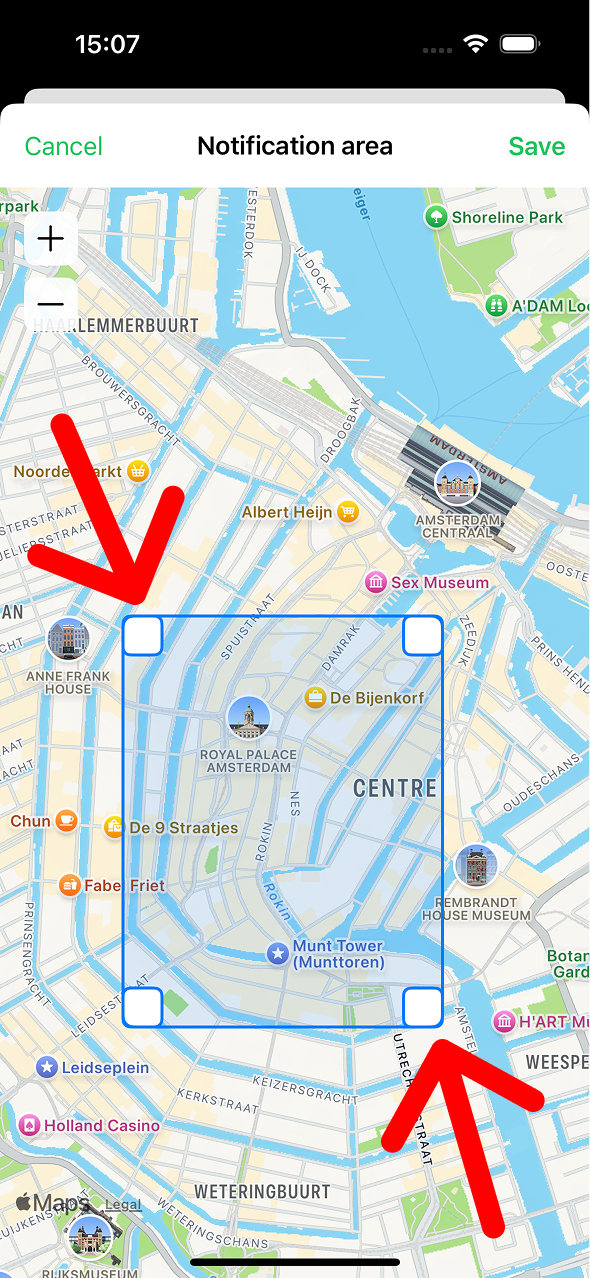
4
Adjust the area to your liking
- Use white corners of the rectangle to set the area
- Use +/- buttons or pinch the map with two finders to zoom in/out
- Tap Save on top
5
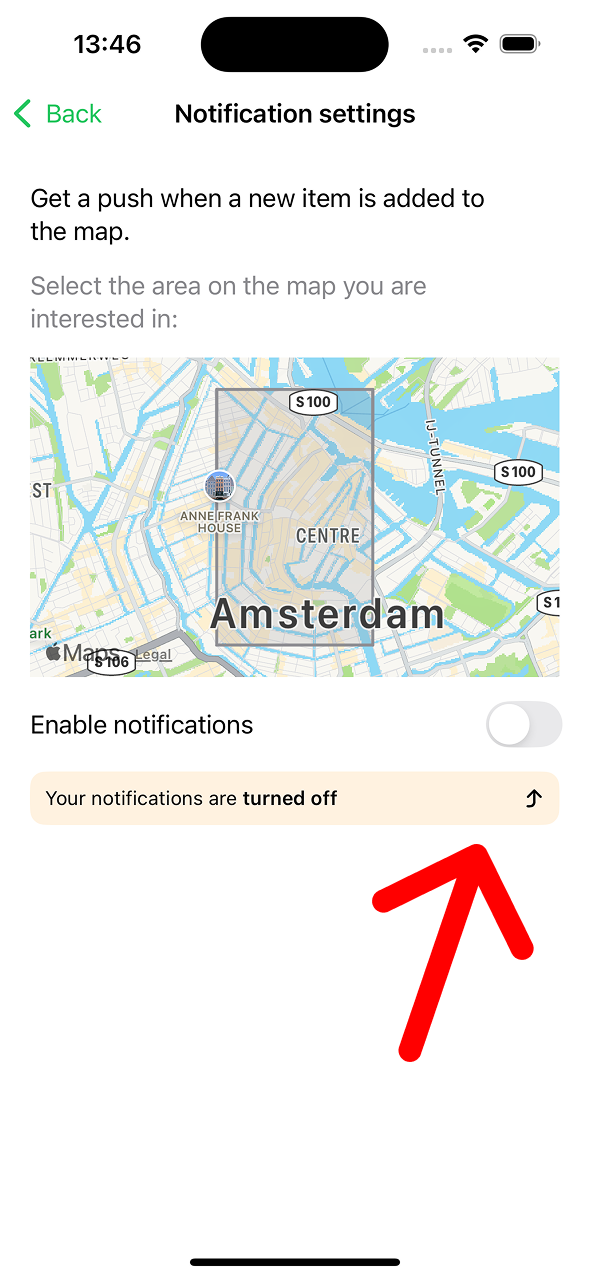
Use toggle to turn on/off notifications
6
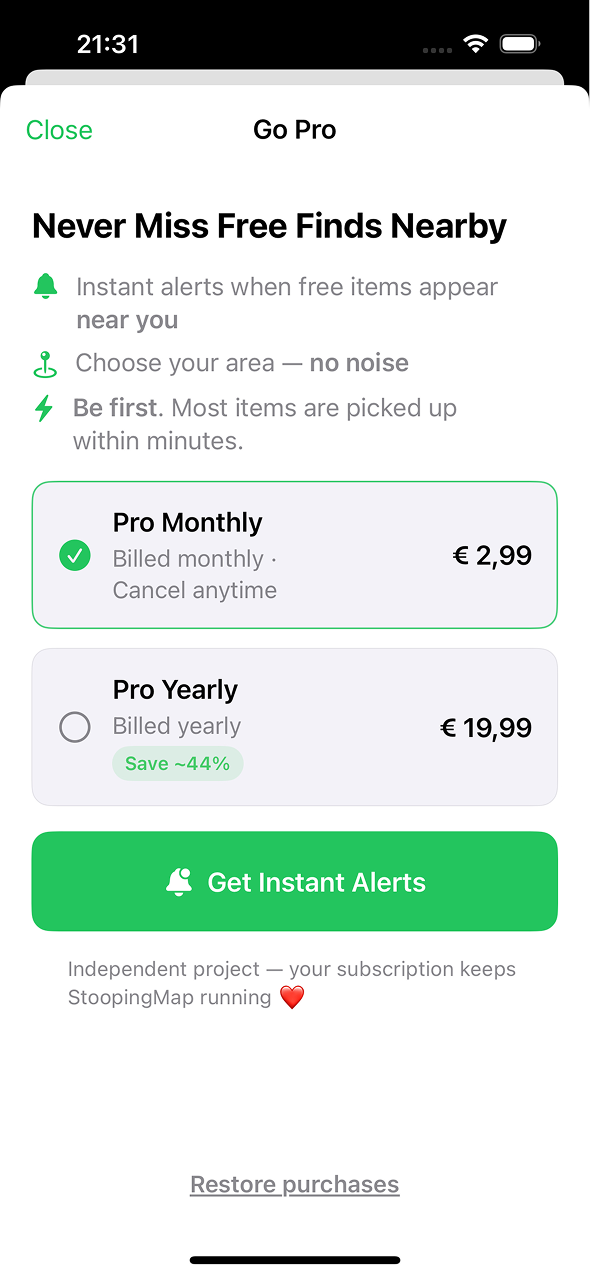
Subscribe to Pro account
- This supports the project
- It realy helps a lot
7
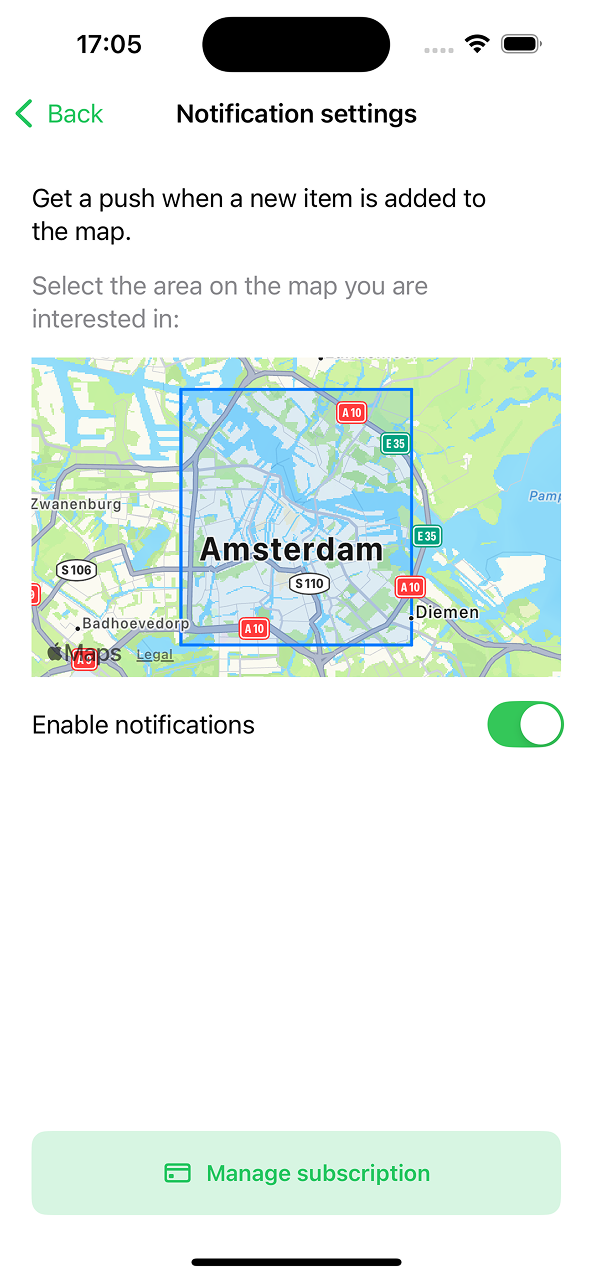
You are all set
- You can always adjust the area by clicking on the map preview
Android app
No notifications yet
Currenlty we support only iPhone app. The Android app is on the roadmap for the year.
Need Android app?
If you would like to get an Android version of the app - please send a message to [email protected] or DM me on @stoopingmap Instagram